Are you tired of spending hours manually distilling long documents into presentations, only for AI tools to spit out generic, uninspired slides that miss the point? Most professionals today face a massive productivity bottleneck: they have the data, but turning that data into high-quality, tailored visual assets like infographics or slide decks remains a tedious manual chore.
At Cloud Sultans, our mission is to help small and large businesses to better collaborate and achieve high productivity with their teams by maximizing the power of Google Workspace (formerly GSuite).
The Death of Static Templates: Why Your AI Assets Feel “Generic”
Many professionals struggle with a common pain point: they use AI to generate content, but the result feels like “generic slop.” Whether it’s a slide deck that misses the nuance of your project or an infographic that focuses on the wrong data, the disconnect usually happens because the AI doesn’t truly understand your specific priorities. Moving from a raw transcript or a 50-page PDF to a presentation-ready asset often feels like a manual chore, even with AI tools.
The Power of the “Chat-First” Workflow in NotebookLM
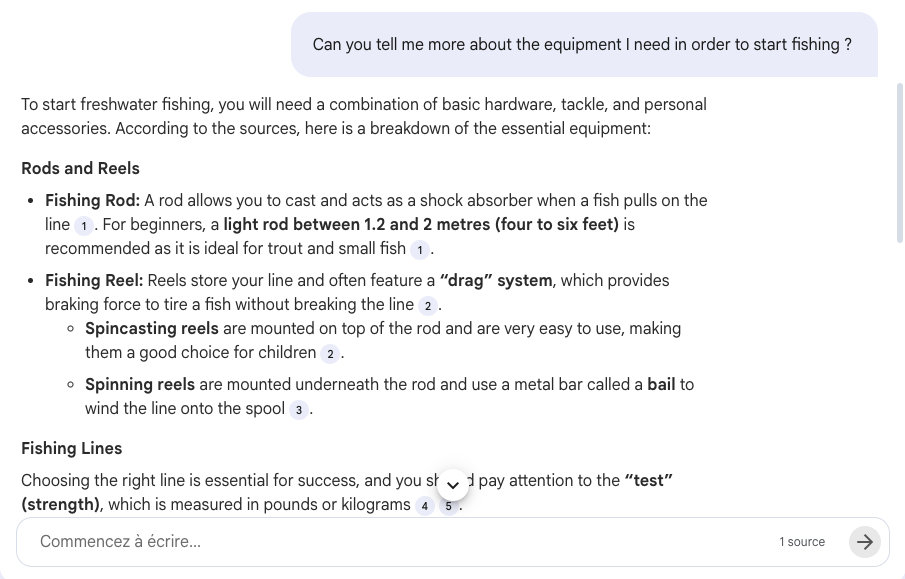
The game-changing update in NotebookLM allows you to move away from the “one-click” generation habit. Instead of simply clicking the “Slide Deck” button, you can now use the chat interface to refine the AI’s understanding before any asset is created. This ensures that the final output is grounded in the specific context of your conversation.
Tip 1: Clarify Complex Concepts Before Generating
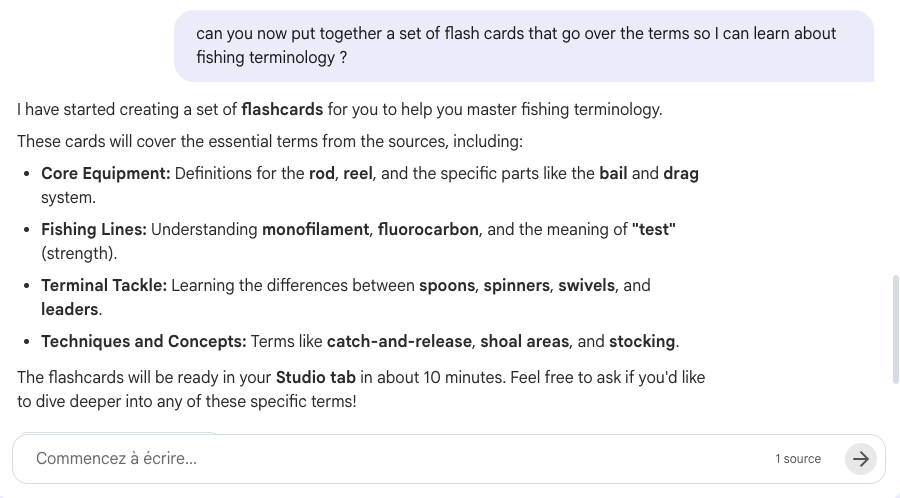
If you are researching a technical topic, use the chat to highlight areas you find difficult. For example, if you’re discussing “dry treatment” in climbing ropes or “VPC Service Controls” in Cloud Sultans infrastructure, ask the chat to explain it first. NotebookLM tracks this interest, and when you finally ask it to “create an infographic,” it will automatically prioritize those clarified sections.
Tip 2: Tailor Flashcards to Your Personal Weak Points
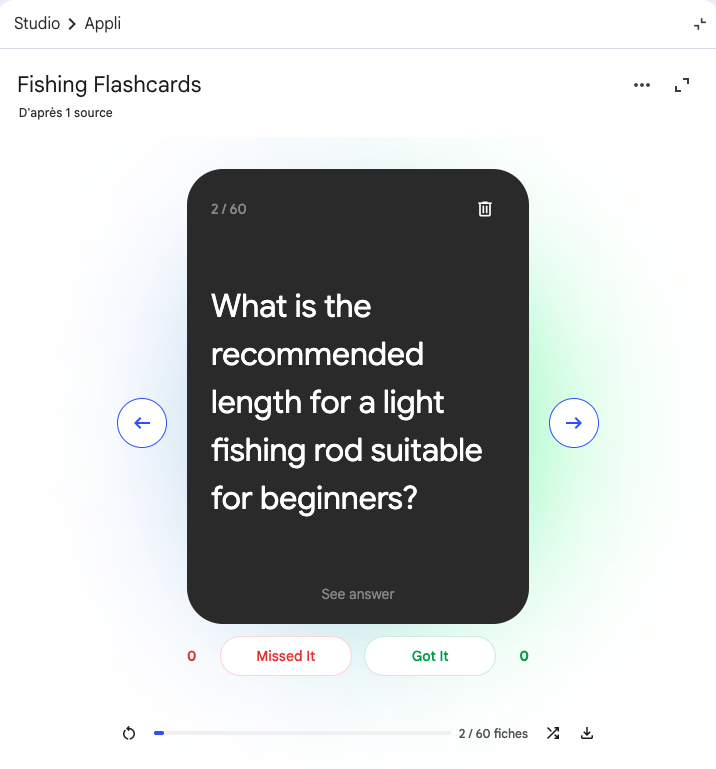
Traditional flashcards often cover an entire document, much of which you might already know. By chatting with NotebookLM about specific terms you’re struggling with, you can prompt the AI to: “Create flashcards specifically for the terms I asked questions about today”. This results in a personalized study guide that focuses on your learning gaps.
Tip 3: Use Prompt-Based Styling for Creative Assets
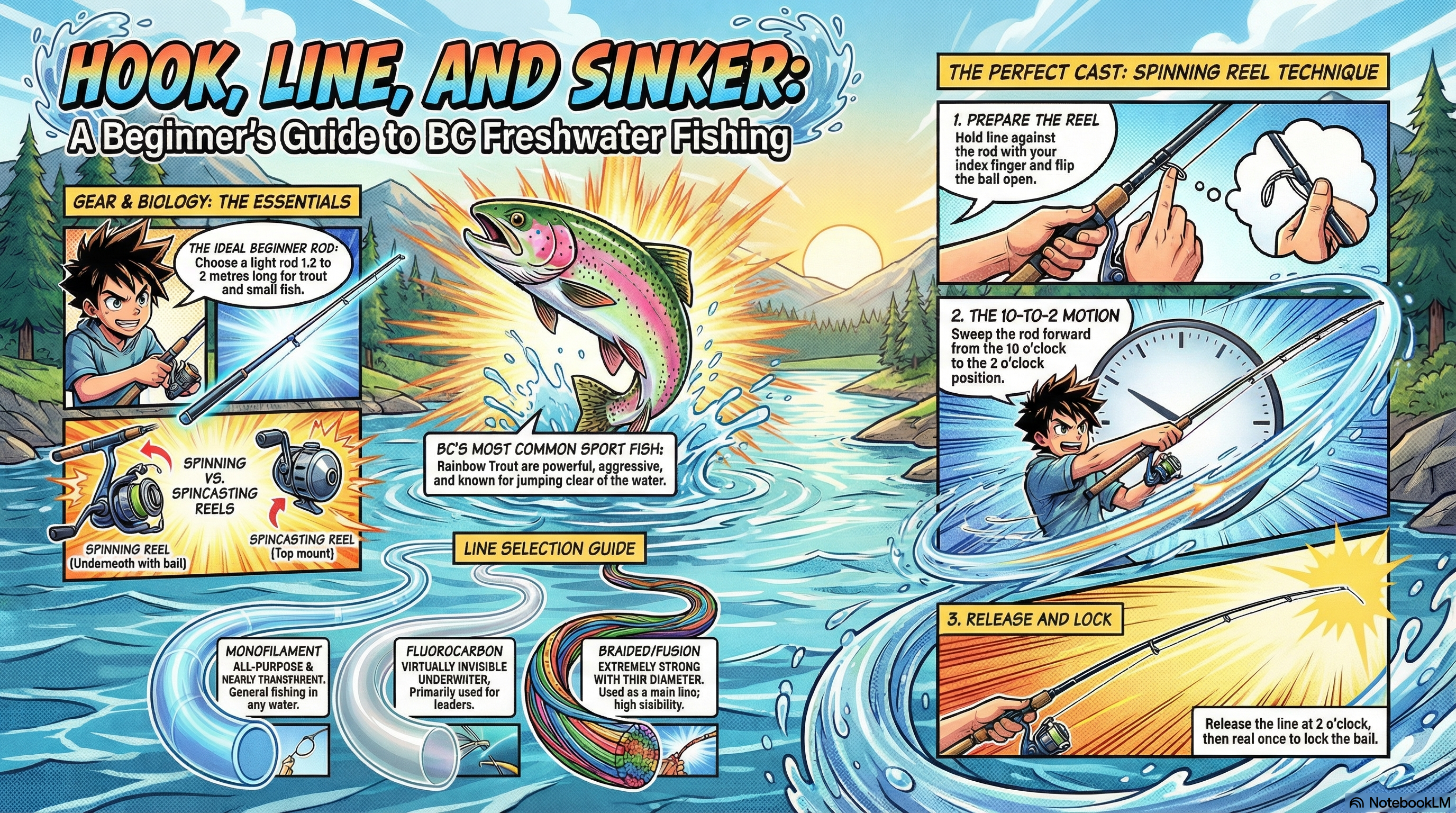
NotebookLM now supports advanced styling prompts through the chat. You can push the boundaries of standard business presentations by requesting specific themes. For instance, you can ask the tool to “create a 16:9 infographic in a Japanese Manga style”. This ensures your communications are not just informative, but engaging.
Tip 4: Optimize for Business Presentations with Iterative Refinement
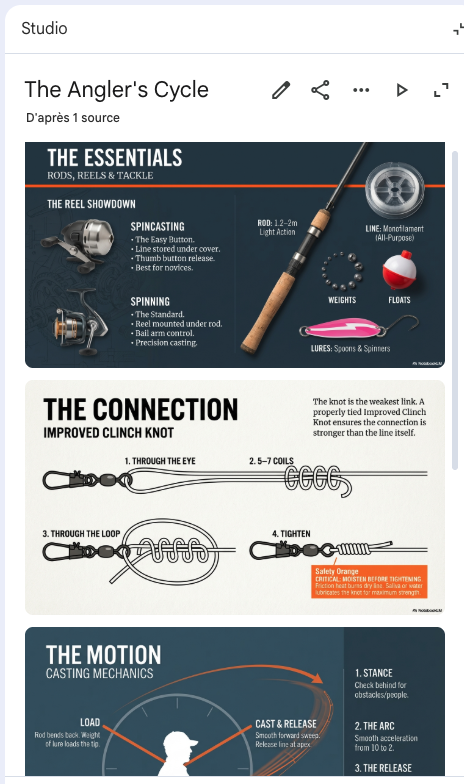
In a professional setting, the first draft is rarely the final one. You can use text prompts to revise generated slide decks slide-by-slide. If a slide is too text-heavy, simply tell the chat: “Make slide 3 more concise and add a comparison table”. For more details on corporate standards, you can refer to our Business Presentations Guide (PDF).
Tip 5: Ground Your Assets in “Source-Only” Data
One of the biggest risks in cloud automation is AI hallucination. NotebookLM stays strictly within your uploaded sources. When you generate a data table or a slide deck via the chat, the AI cites exactly where the information came from. This creates a “Source of Truth” that is essential for high-stakes business decisions.
Any questions, comments, or reactions about our article, we’re happy to hear that in the comment section below. We always love diving into healthy discussions. If you also feel that you haven’t been using Google Workspace at its best, reach us at Cloud Sultans : contact@cloudsultans.com. We offer free consultation or system audit to find you the best possible solution.